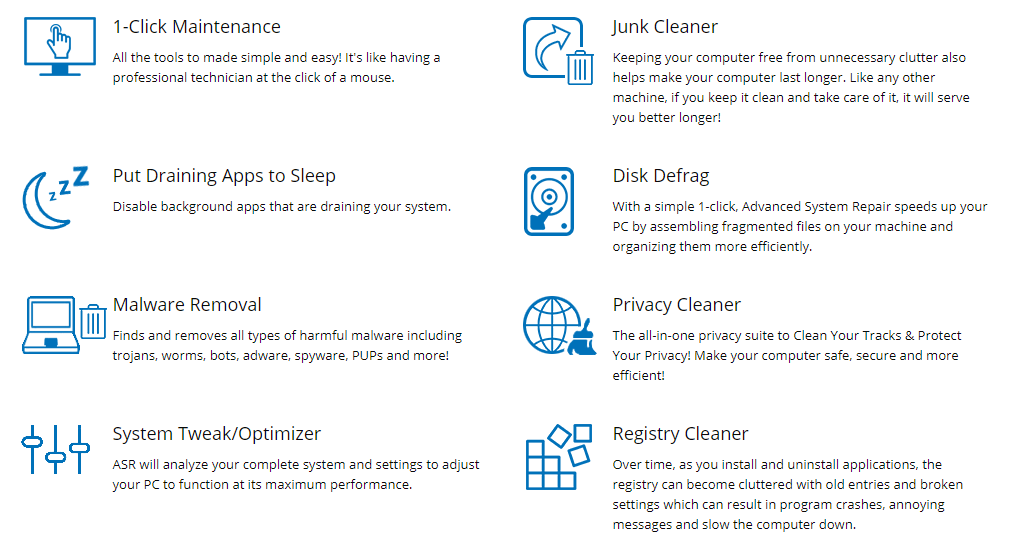
What can we do to speed up the computer and preventing computer crashes?
After installing a good anti-spyware program, I recommend the following actions:
Optimize the Windows Registry file (perhaps the most important system file under Windows) with a registry cleaner program, and check and update the software drivers for the hardware on your [...]
Spyware Doctor is very easy to uninstall. Here are the steps:
1. Shut down Spyware Doctor with AntiVirus by right-clicking on the Spyware Doctor with AntiVirus icon in the notification area (next to the clock on the Windows task bar) and select “Shutdown” from the menu that appears.
2. Select the “Start” > [...]
The quickest and safest way to remove spyware is to follow these steps:
Download and install Spyware Doctor with AntiVirus from our web site. This is my first choice for the highest quality anti-malware software – and it is also the number one anti-spyware software in the world (as rated by PC Magazine 2009). [...]
Please note that there are a HUGE number of so-called “anti-spyware” spoof programs out there that instead of removing the adware and spyware, install their own computer infection or try to stop real anti-spyware programs from working.
Some of the most “popular” fake anti-spyware programs include: SpyAxe, Antivirus Gold, Spy Trooper, Spy Wiper, Spy [...]
Please note that there are a HUGE number of so-called “anti-spyware” spoof programs out there that instead of removing the adware and spyware, install their own computer infection or try to stop real anti-spyware programs from working.
List of Fake Spyware Programs
Make sure you avoid the above programs – and before downloading any [...]
There are several indications that you might have malware, spyware, or adware-”ad-delivery software” – which, for these purposes, they can be considered one in the same.
Here are some examples of what might happen…
Your browser (Internet Explorer, Netscape, Firefox, Opera, what have you) is running much slower than user. Whether it be while [...]
If your computer virus is still persisting, even after using an anti-virus/spyware software, you should restart your computer in SAFE mode and run the virus scan again.
Here is a short video with instructions for restarting your computer in SAFE mode:
Remove all floppy disks, CDs, and DVDs from your computer, and then [...]
|
In this Spyware Website, You’ll Learn:
- How to tell if the computer is infected with spyware, or not.
- How to remove spyware with totally free spyware tools - or top paid commercial software tools.
- How to install and optimize spyware protection, without slowing down the computer.
- Watch free video tutorials with step-by-step instructions on how to
remove the most difficult computer virus.
|